

All Guides for Fractal Audio Units
Each guide goes through every control & page, as well as tips/tricks related to the blocks & paramaters, setting suggestions, etc.
Great resource for Fractal users who want a visual guide to help navigate the mass amount of options that Fractal provides in their products.
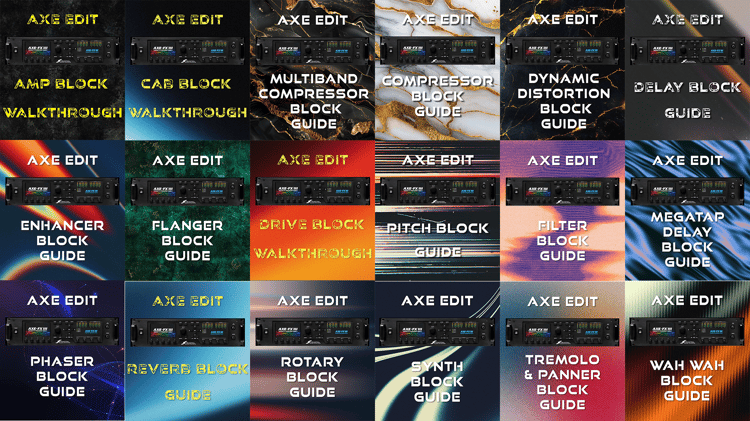
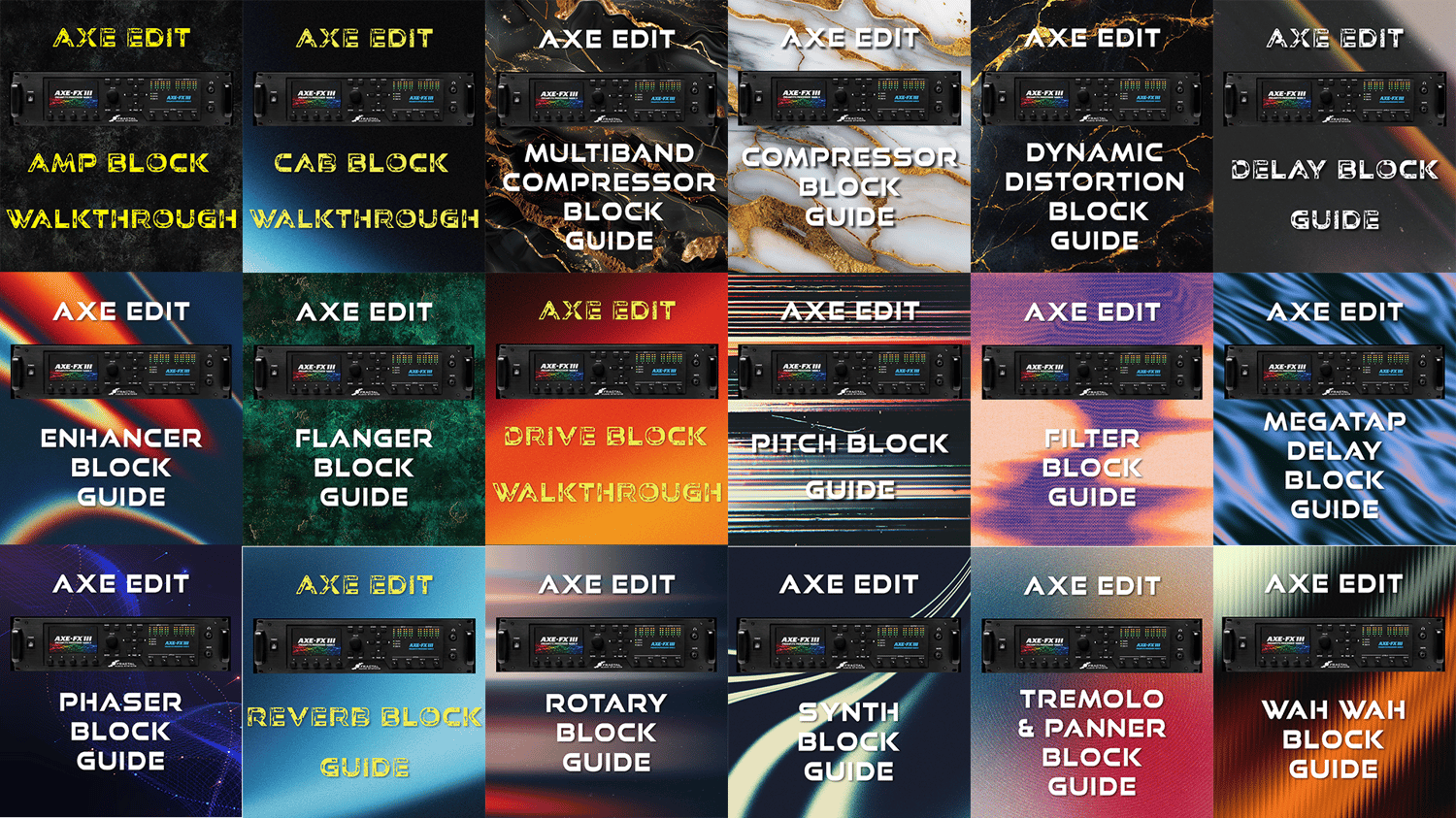
This includes 21 Block guides for Fractal Audio products, Including:
- Amp Block
- Cab Block
- Chorus Block
- Compressor Block
- Delay Block
- Drive Block
- Dynamic Distortion Block
- Enhancer Block
- Filter Block
- Multiband Compressor Block
- Megatap Delay Block
- Phaser Block
- Pitch Block
- Resonator Block
- Reverb Block
- Ring Modulation Block
- Rotary Block
- Synth Block
- Tremolo & Panner Block
- Wah Block
Also included are 4 additional guides for Fractal units:
- Cabinets/IRs
- Footswitch, Switch & MIDI
- Global Setup
- Key Commands
The Backstory:
Fractal Audio's Axe Fx III changed my mind on guitar modeling technology. The overall versatility and ability to tweak so many parameters is a guitar nerd's wet dream and has more sound potential than most anyone would ever need.
About a year ago, I got a Fractal Audio Axe FX III, after years of toying around with hundreds of different guitar amps & pedals, searching for something that really connected with me musically & creatively. Once I got the unit and plugged it all in, I loaded up Axe Edit and quickly realized the enormity of options that Cliff & the team at Fractal Audio had created, & I was overjoyed (& equally overwhelmed).
So after messing around with the factory presets, Axe Change options and some purchased ones, I quickly realized I was clueless what 9/10 of the controls did. What is Bias anyways & turning that knob does what exactly???
This brought me to a crossroad between remaining clueless & taking the time to read the manual. Once I got through that, I thought, "I am still clueless as hell", as the information is kinda scattered about. Then I found the Block guide, which sent me down the rabbit hole of figuring out that there was an entire wiki page devoted to Fractal products, as well as multiple other guides, made by random people, like Yek, who contributed massively to a basic understanding of what the esoteric labels of block parameters, amps, pedals & cabs in the unit do.
There's also the Fractal forums, which is a chaotic mumbo jumbo of questions, bickering, opinions & every so often, the perfect answer to the questions I have.
But when it came to actually creating sounds, I was STILL overwhelmed by the seemingly endless pages of controls in just the Amp Block, let alone the Reverb, Delay, Cab, Drive, Phaser, Chorus & the others... So again, I'm at the intersection of option paralysis & doing something about it. I chose the latter.
I set out to use my barely capable design skills (skills is not the term I would use, honestly) & went page by page in the editor, screenshotting them all, including all the drop down menus for different preamp & power amp types, chorus options, & much more.
I threw them into Adobe's InDesign, a program I had never used before & went to work, using my 3 remaining brain cells to build visual guides that shows/explains every knob, control & parameter I could find, screwing it up, fixing it, continuing on.
After maybe 6 months, I had done 19 of them. I am pretty proud of myself for this. It wasn't really a joyride or always what I wanted to be doing with my time, but I greatly enjoyed the learning process & the challenge of digging endlessly through forum threads, manuals, the website & wiki page, looking for one little line that would tell me WTF a certain tube type or pedal was. I learned a lot & was humbled about a million times in the process.
Please message me with any issues, comments, suggestions, corrections, etc. I would love to create new guides and add more information to these, so if you have anything to add, reach out!
I am currently working on some more guides & gathering resources to add to the free guitar resource database in the AF Community Portal. I hope to have an update here soon!
Hope it helps,
Clayton @ Audio Freqs